How to cut AI agent latency without hurting quality
Latency is the first thing users feel and the first thing that stops an agent from scaling. Here is where it comes from, and the order to fix it in so quality never goes backwards.
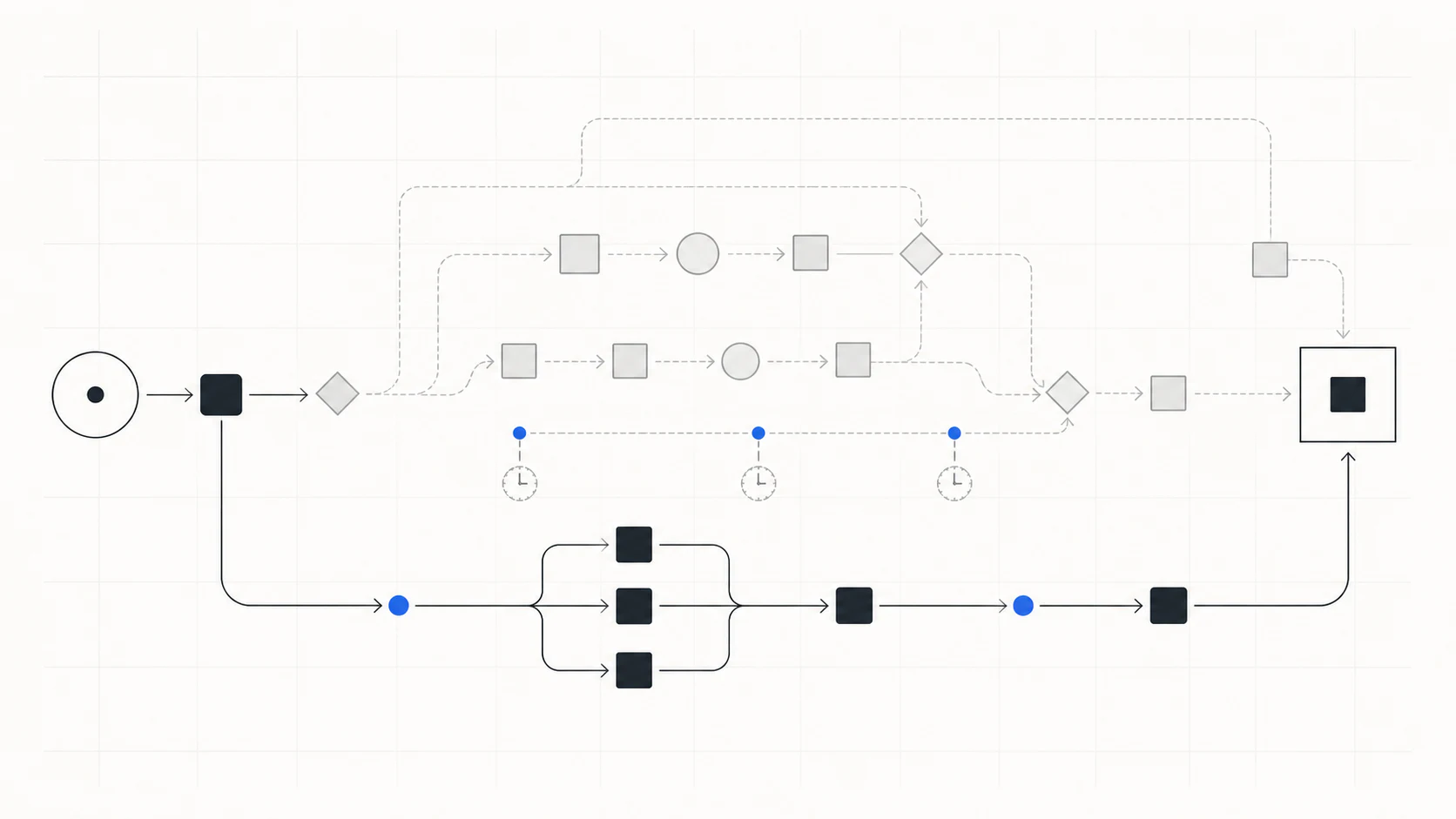
Most production agents are slower than they need to be, and the model itself is rarely the bottleneck. The time is spent on everything around the model: oversized context that takes longer to prefill, serial steps that could run in parallel, retrieval that returns far more than the agent needs, and reasoning loops that add turns without adding accuracy. Fix those in the right order and you can often halve p95 latency while task completion holds flat.
1. Measure before you change anything
You cannot optimize what you have not measured, and latency is deceptively multi-modal. A p50 that looks fine can hide a p95 that is three times worse because a fraction of requests take an extra tool-use loop. Before touching anything, capture a baseline per request: p50 and p95 end-to-end latency, time to first token, tokens in and out, number of model turns and tool calls, and task completion. Log them together so you can slice latency by task type.
Optimization without a baseline is guessing. The baseline is the product of the first day of work, not an afterthought.
2. Cut prefill: shrink the context
For most coding agents the single largest latency component is prefill, the model reading its input before it generates a token. Prefill scales with input length, so a 60k-token prompt has a floor no amount of output tuning removes. The fix is to stop sending the model things it does not need: whole files where a few functions would do, entire tool outputs where a schema and a handle would do, and full histories where a compressed one carries the same facts. Retrieval that is precise rather than generous pays off twice: smaller prompt, faster prefill.
3. Right-size the model per step
Few workflows need the largest model at every step. Classification, extraction, routing, and simple edits often run well on a smaller, faster model, reserving the frontier model for the reasoning that genuinely needs it. Model routing usually delivers the largest single latency and cost win in a mature agent, because the cheap model is not just cheaper: it emits tokens faster and starts sooner. Route conservatively: keep the final synthesis on the strong model and use a verifier so a bad cheap-model turn is caught rather than shipped.
4. Run independent steps in parallel
Agents are often written as a straight sequence even when steps do not depend on each other. Retrieving from two sources, calling two tools, or scoring several candidates can run concurrently, collapsing wall-clock latency without changing the result. Look specifically for fan-out patterns: gather everything relevant, then reason, and issue those gathers at once.
5. Stream, and remove turns that do not earn their place
Streaming does not make an agent faster but it makes it feel dramatically faster, because time-to-first-token drops to the length of prefill plus one token. Separately, audit the reasoning loop: many agents run a reflection or re-plan turn on every task when only the hard ones need it. Gate those turns on a signal, such as a failed check or low confidence, rather than running them unconditionally.
The order matters
Work through these in sequence and verify task completion after each change: measure, shrink context, route models, parallelize, then trim turns. Doing it in this order means every win is measured against the baseline and the quality-sensitive changes come last, behind a verifier, so the regressions that make teams afraid to touch a working agent never ship.
Want this done to your agent?
We baseline your agent and show you the latency and cost levers worth pulling, in priority order.
Request an agent review